Product Releases
Stay up to date with the latest Tigerhall product releases,
feature updates, and improvements.
Stay up to date with the latest Tigerhall product releases, feature updates, and improvements.
Web Releases
6.34.0
June 18, 2026
Minor fixes and UI improvements.
6.33.0
June 15, 2026
Interactive Forms and Pulse Surveys: 'Identify Users' is now default, so responses are attributed instead of default being 'Anonymous'.
Starting a new trail no longer carries over data from a trail you just viewed — the Create New Trail form now starts empty.
6.32.0
June 12, 2026
Fixed the lock icon color on the content details page.
6.31.0
June 11, 2026
Minor fixes and improvements.
6.30.0
June 4, 2026
Minor fixes and performance improvements.
6.29.0
June 3, 2026
Improvements
You can now download broadcasts and livestreams directly from their details page.
Fixes
Livestream chat: reply threads no longer go missing from the Chat view when scrolled out of view.
Creator Studio: file-upload errors now show a clear, specific message instead of a generic one.
6.28.0
May 29, 2026
Features:
Group History tab — each group now has a History tab showing a daily activity histogram and a paginated event table.
Fixes:Livestream chat — messages no longer vanish unexpectedly, reactions stay on the correct message, and the chat now reliably scrolls to the latest message.
Live broadcasts — resolved several playback regressions.
Pre-recorded broadcasts — no longer replay automatically once they have ended.
Backstage — sessions no longer close when a single host leaves the call.
6.27.0
May 26, 2026
Editing content
Edit published content: admins can now edit content that is already published, via a guided revision flow. You will see the new content page, and edit button, with an edit-mode banner and Publish / Discard controls.
Fixes
AI Video Creation: When any slide has an empty script, the "Generate Video" button is now disabled, with an explanatory tooltip, preventing slideshow generation from getting stuck.
6.26.0
May 24, 2026
Functionality
Hebrew language support available across the platform, with right-to-left text rendering in the transcript reader and editor
Status column on the PDF and External Resource tables in the admin portal is now sortable
Fixes
The slides editor no longer becomes unresponsive after undoing edits back to the start
The Remove button on video previews no longer overlaps the Fullscreen button
6.25.0
May 13, 2026
New Functionality:
Admins can now sort content tables by publication status.
In organizations without the Approval Flow feature disabled, content tables display the publication status (draft, scheduled, published).
Experiences replaced with dedicated content types - livestreams, broadcasts, and events now have a cleaner, more consistent appearance across the app. You'll see tighter tabs, refined search filters, clearer "Join", "Book", and "Start" buttons on content cards, and no duplicate entries when an event and its livestream appear together.
6.24.0
May 12, 2026
New Functionality:
Create Pre-Recorded Broadcasts (with no need to upload video) — admins can now create pre-recorded broadcasts without uploading a video. The cover image is shown on the player while the broadcast isn't yet live.
Custom Attributes on admin Profile — the admin Profile page now shows synced directory attributes (job title, manager, country, etc.), giving you a quick way to see why a user is in a given dynamic group.
Improvements:
Smarter admin landing — visiting
/adminnow goes straight to the admin statistics page instead of a blank index, so you always land on a meaningful screen.
Bug Fixes:
Host names on live event cards— backstage and live event cards on the home page now show host names correctly (previously the host line was empty for backstage and pre-recorded broadcasts).
Approve label capitalization— fixed lowercase "approve"/"approval" in the self-approval button and status badge.
6.23.0
May 6, 2026
Podcast player label updated — "Show Transcript" is now "Show Summary"
Web Releases
6.34.0
June 18, 2026
Minor fixes and UI improvements.
6.33.0
June 15, 2026
Interactive Forms and Pulse Surveys: 'Identify Users' is now default, so responses are attributed instead of default being 'Anonymous'.
Starting a new trail no longer carries over data from a trail you just viewed — the Create New Trail form now starts empty.
6.32.0
June 12, 2026
Fixed the lock icon color on the content details page.
6.31.0
June 11, 2026
Minor fixes and improvements.
6.30.0
June 4, 2026
Minor fixes and performance improvements.
6.29.0
June 3, 2026
Improvements
You can now download broadcasts and livestreams directly from their details page.
Fixes
Livestream chat: reply threads no longer go missing from the Chat view when scrolled out of view.
Creator Studio: file-upload errors now show a clear, specific message instead of a generic one.
6.28.0
May 29, 2026
Features:
Group History tab — each group now has a History tab showing a daily activity histogram and a paginated event table.
Fixes:Livestream chat — messages no longer vanish unexpectedly, reactions stay on the correct message, and the chat now reliably scrolls to the latest message.
Live broadcasts — resolved several playback regressions.
Pre-recorded broadcasts — no longer replay automatically once they have ended.
Backstage — sessions no longer close when a single host leaves the call.
6.27.0
May 26, 2026
Editing content
Edit published content: admins can now edit content that is already published, via a guided revision flow. You will see the new content page, and edit button, with an edit-mode banner and Publish / Discard controls.
Fixes
AI Video Creation: When any slide has an empty script, the "Generate Video" button is now disabled, with an explanatory tooltip, preventing slideshow generation from getting stuck.
6.26.0
May 24, 2026
Functionality
Hebrew language support available across the platform, with right-to-left text rendering in the transcript reader and editor
Status column on the PDF and External Resource tables in the admin portal is now sortable
Fixes
The slides editor no longer becomes unresponsive after undoing edits back to the start
The Remove button on video previews no longer overlaps the Fullscreen button
6.25.0
May 13, 2026
New Functionality:
Admins can now sort content tables by publication status.
In organizations without the Approval Flow feature disabled, content tables display the publication status (draft, scheduled, published).
Experiences replaced with dedicated content types - livestreams, broadcasts, and events now have a cleaner, more consistent appearance across the app. You'll see tighter tabs, refined search filters, clearer "Join", "Book", and "Start" buttons on content cards, and no duplicate entries when an event and its livestream appear together.
6.24.0
May 12, 2026
New Functionality:
Create Pre-Recorded Broadcasts (with no need to upload video) — admins can now create pre-recorded broadcasts without uploading a video. The cover image is shown on the player while the broadcast isn't yet live.
Custom Attributes on admin Profile — the admin Profile page now shows synced directory attributes (job title, manager, country, etc.), giving you a quick way to see why a user is in a given dynamic group.
Improvements:
Smarter admin landing — visiting
/adminnow goes straight to the admin statistics page instead of a blank index, so you always land on a meaningful screen.
Bug Fixes:
Host names on live event cards— backstage and live event cards on the home page now show host names correctly (previously the host line was empty for backstage and pre-recorded broadcasts).
Approve label capitalization— fixed lowercase "approve"/"approval" in the self-approval button and status badge.
6.23.0
May 6, 2026
Podcast player label updated — "Show Transcript" is now "Show Summary"
Web Releases
6.34.0
June 18, 2026
Minor fixes and UI improvements.
6.33.0
June 15, 2026
Interactive Forms and Pulse Surveys: 'Identify Users' is now default, so responses are attributed instead of default being 'Anonymous'.
Starting a new trail no longer carries over data from a trail you just viewed — the Create New Trail form now starts empty.
6.32.0
June 12, 2026
Fixed the lock icon color on the content details page.
6.31.0
June 11, 2026
Minor fixes and improvements.
6.30.0
June 4, 2026
Minor fixes and performance improvements.
6.29.0
June 3, 2026
Improvements
You can now download broadcasts and livestreams directly from their details page.
Fixes
Livestream chat: reply threads no longer go missing from the Chat view when scrolled out of view.
Creator Studio: file-upload errors now show a clear, specific message instead of a generic one.
Trusted by Fortune 500 Companies
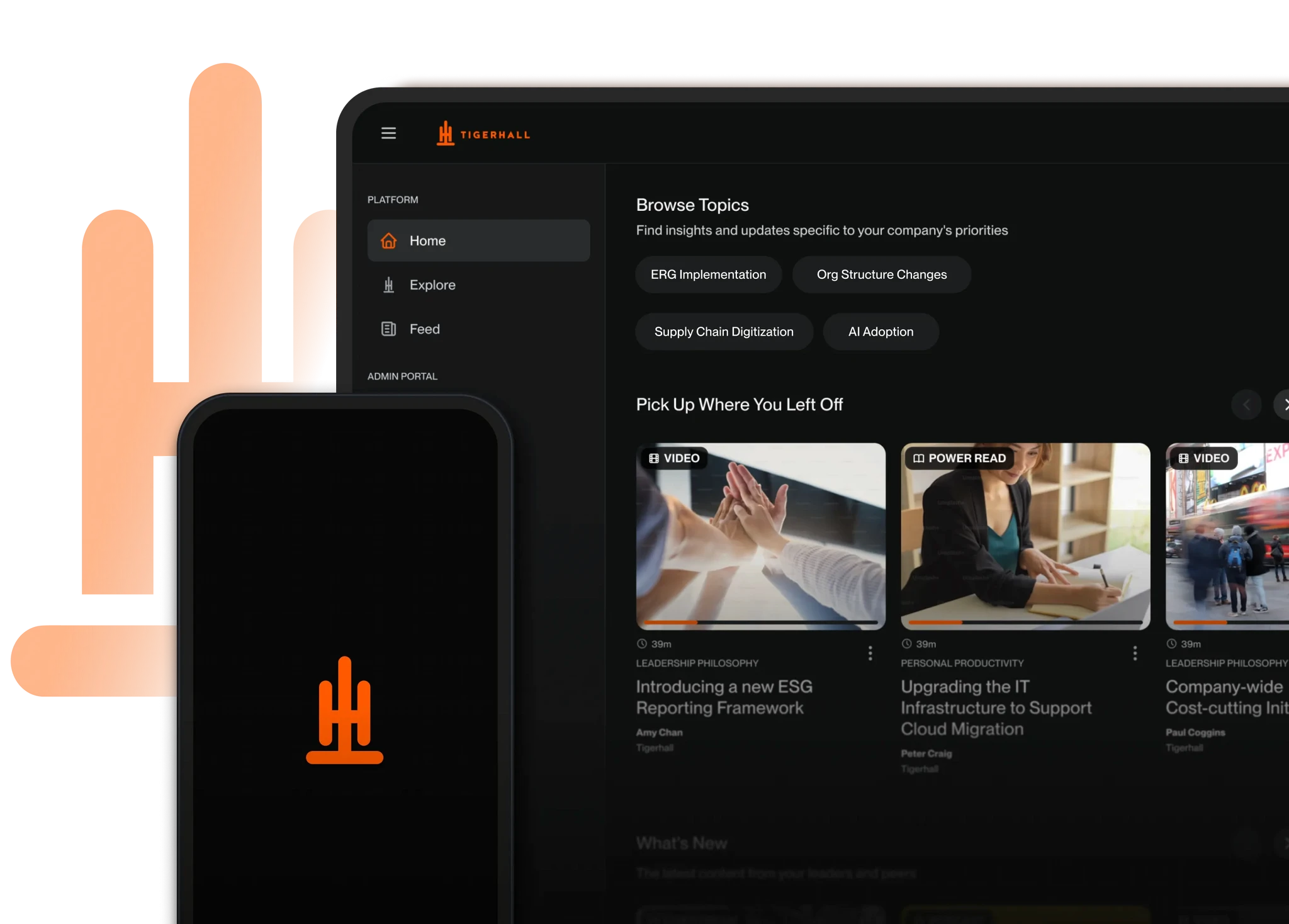
One Platform for All Your Transformation Needs
For one or ten initiatives, stay ahead of market changes with a platform that cuts the time and resources needed to accelerate adoption.
Need more info?
Trusted by Fortune 500 Companies
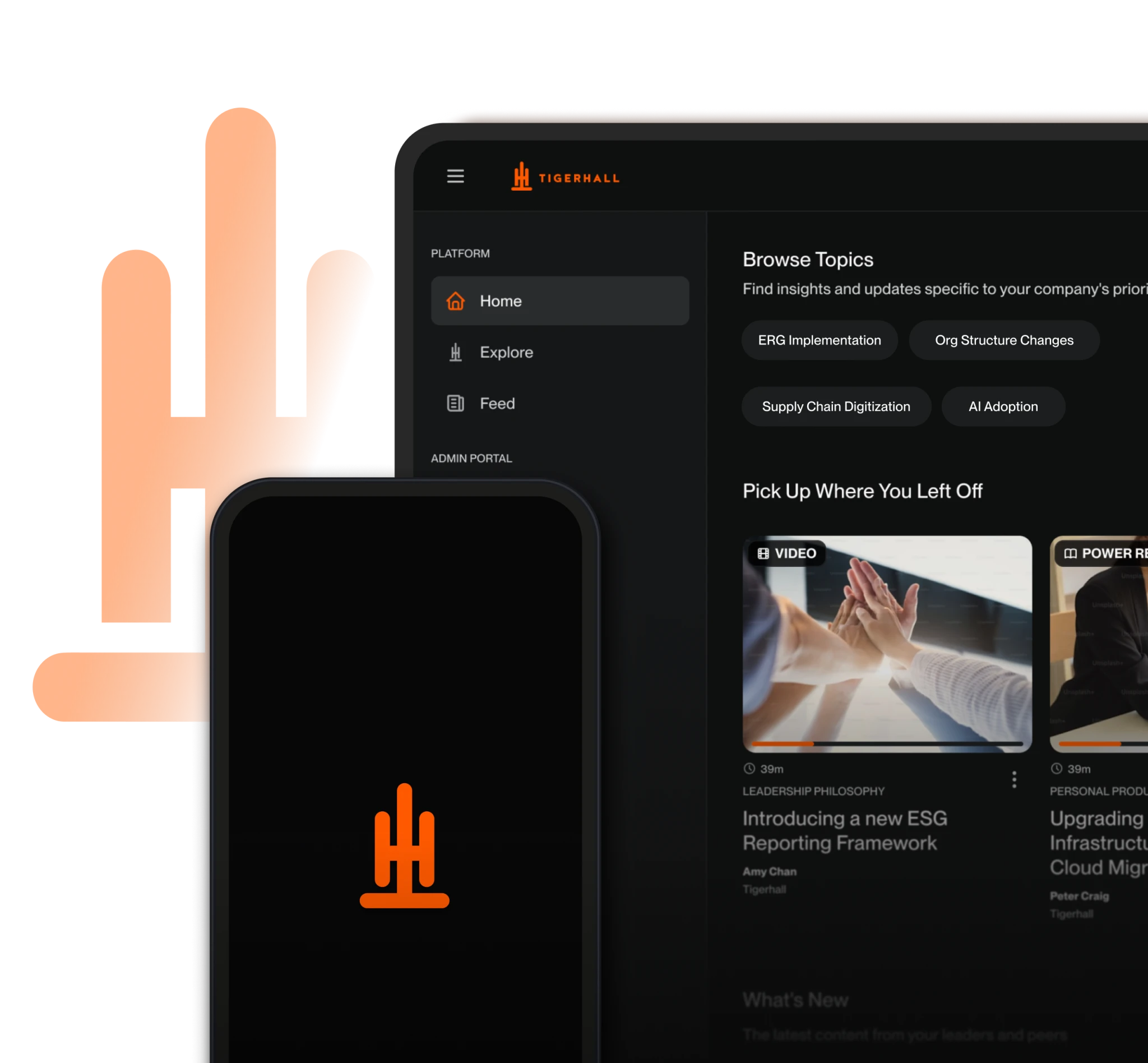
One Platform for All Your Transformation Needs
For one or ten initiatives, stay ahead of market changes with a platform that cuts the time and resources needed to accelerate adoption.
Need more info?
Trusted by Fortune 500 Companies
One Platform for All Your Transformation Needs
For one or ten initiatives, stay ahead of market changes with a platform that cuts the time and resources needed to accelerate adoption.
Need more info?